

Imagine a world where printing is faster, smarter, and more sustainable than ever before. From custom designs to corporate branding, digital printing is evolving at an unprecedented pace. But what does the future hold? Let’s explore the latest trends and innovations shaping the commercial printing industry.
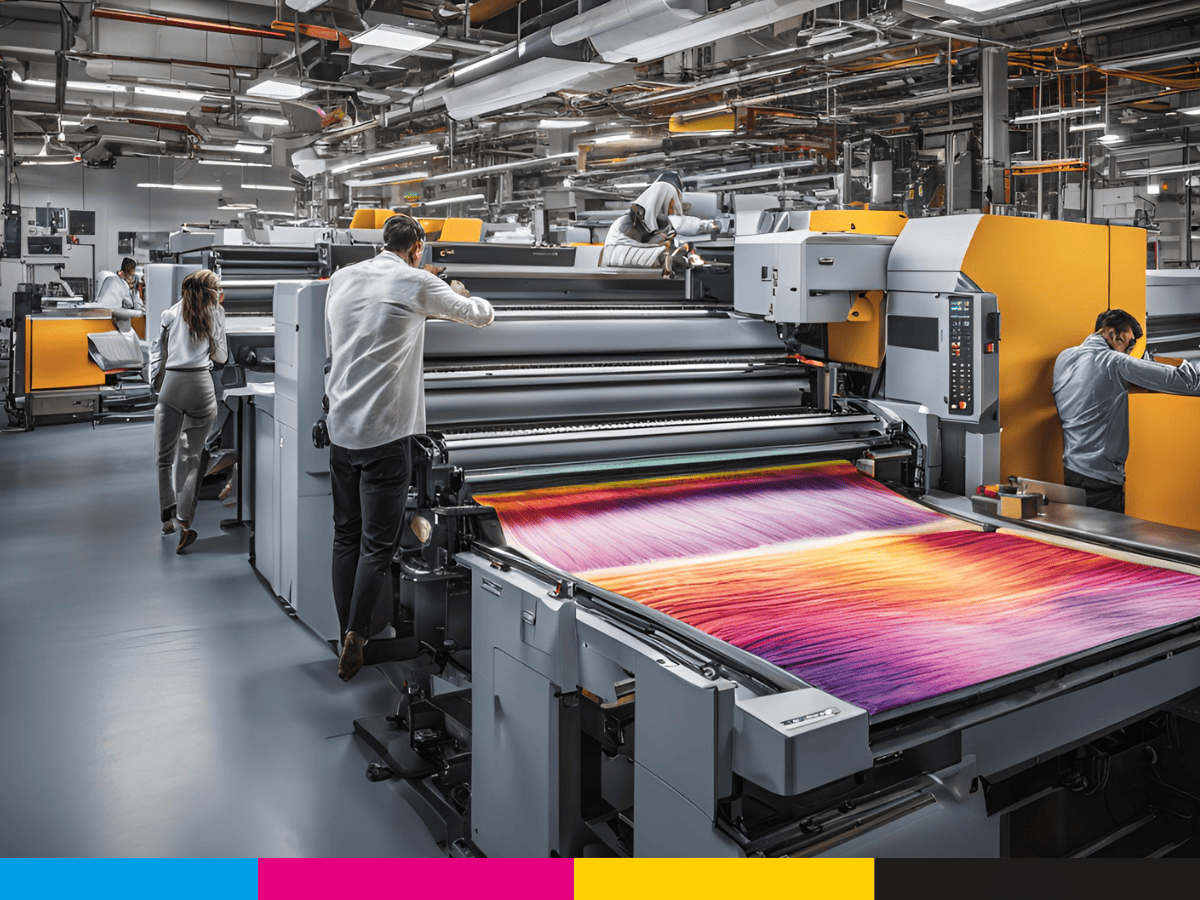
How to Choose the Best Commercial Printing Services for Your Business Needs
Imagine you’ve spent months designing the perfect marketing materials for your business. The colors are vibrant, the message is clear, and your branding is on point. But when the final prints arrive, they look completely different from what you expected—faded colors, blurry images, and cheap materials. What went wrong? Choosing the right commercial printing service can mean the difference between a professional, eye-catching product and a costly disappointment. In this guide, we’ll break down everything you need to consider when selecting the best commercial printing services for your business needs.
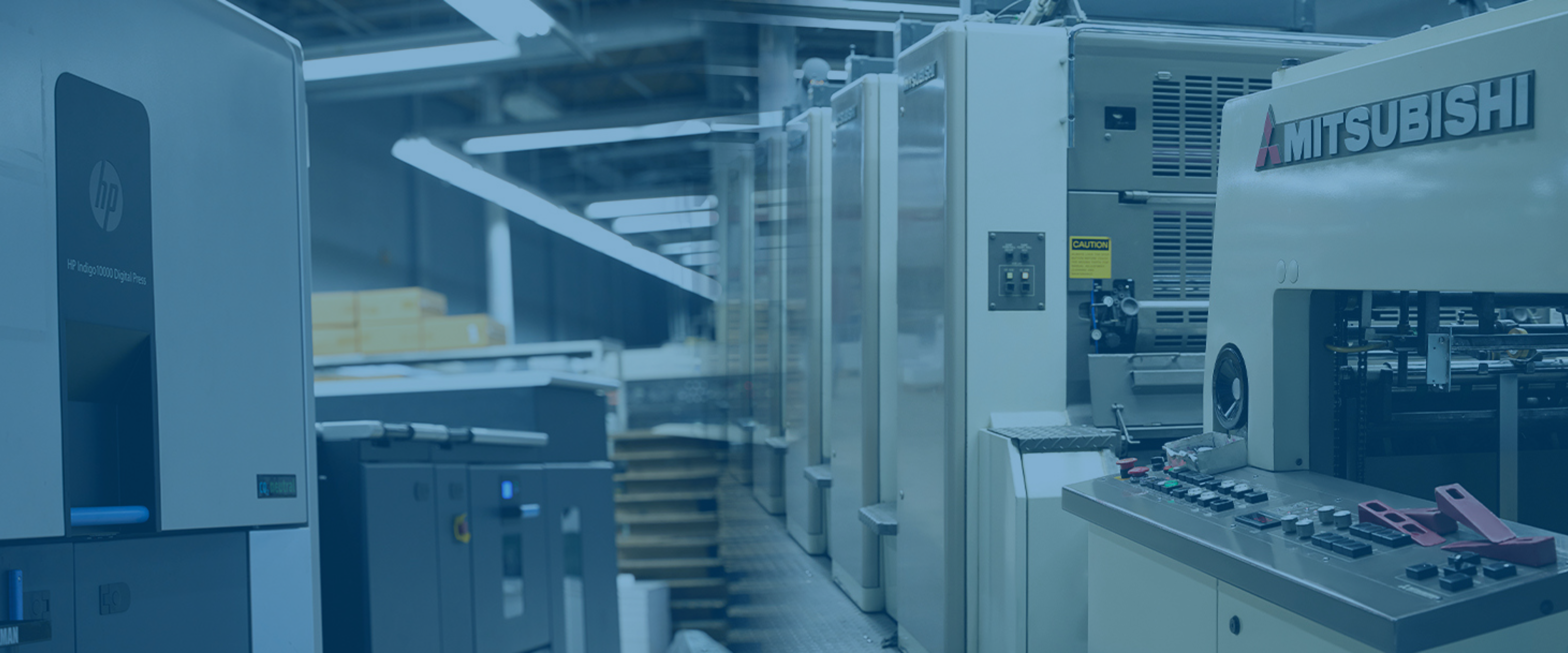
Digital Printing Services vs. Offset Printing: Which One is Right for Your Business?
When choosing a commercial printing service, understanding the differences between digital printing services and offset printing services can help businesses make informed decisions. Each method has its strengths, depending on the project’s scale, budget, and turnaround time.
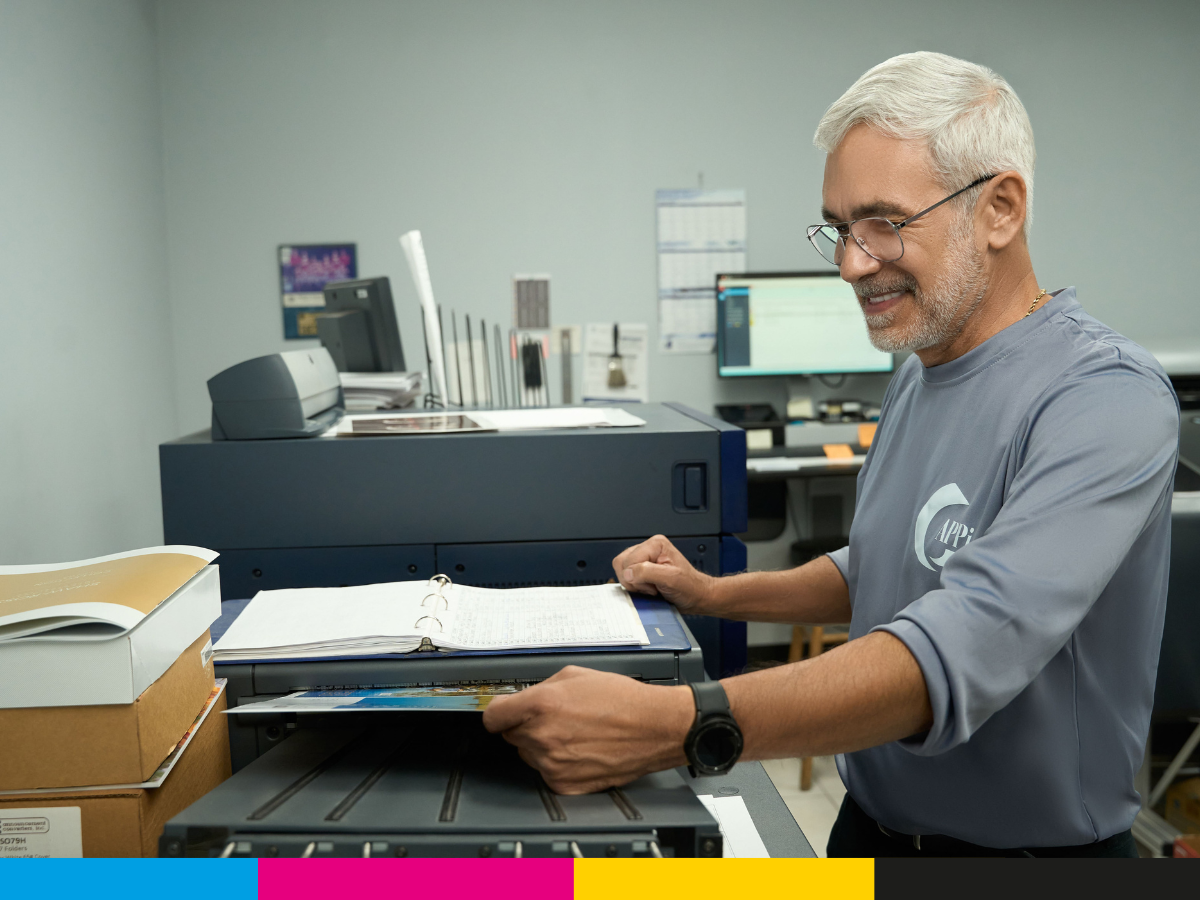
Commercial Printing Services: What They Are and How They Can Elevate Your Brand
Commercial printing refers to the process of producing high-quality printed materials in large quantities for businesses and organizations. Unlike home or office printers, commercial printing services use advanced printing technology, such as digital printing and offset printing, to deliver precise and professional results. These services are essential for creating marketing materials, promotional products, and business documents that enhance a brand’s visibility.
Top Mistakes to Avoid When Sending Files to a Printing Company
When it comes to getting your business’s marketing materials printed, whether it’s for branding, signage, or large-format prints, you want the end result to be perfect. After all, printed materials are often the first impression your business makes on potential customers. But while the printing process can be straightforward, there are common mistakes that can turn your project into a headache. Avoiding these mistakes can save you time, money, and frustration. In this article, we’ll walk you through the top mistakes to avoid when sending files to a printing company. Whether you’re printing brochures, banners, flyers, or large-format signage, knowing what to avoid will ensure your project runs smoothly from start to finish. So, let’s dive in and make sure your next printing job is a success. 1. Not Using the Correct File Format One of the most common mistakes when sending files to a printing company is not using the right file format. Different printers and printing processes require specific file types to ensure the best possible print quality. Sending the wrong file format can lead to delays, poor print quality, or even higher costs. What you need to know about file formats: PDF (Portable Document Format) is often the preferred format for printing because it preserves the layout, fonts, and images. It’s a safe bet for most printing jobs. TIFF (Tagged Image File Format) is commonly used for images with high resolution and quality. EPS (Encapsulated PostScript) is another vector file format that works well for logos and other scalable designs. Common mistakes to avoid: Sending editable files such as Word documents or PowerPoint presentations, which can lose formatting when printed. Sending images in low-resolution formats like JPG that might not print clearly. Tip: Always check with your printing company to find out what file formats they prefer. This ensures your files are ready to go and reduces the risk of issues later. 2. Ignoring the Bleed Area The bleed area is a vital part of print production. It’s the portion of your design that extends beyond the trim size and ensures that there is no white space or unprinted area at the edges when the print job is cut down to size. Without a bleed, you risk having a thin white border around your printed material, which can look unprofessional. This is especially important for large-format printing and signage, where even a small error in cutting can be very noticeable. What to do: Set your file with a bleed area (usually 0.125 inches or 3mm) beyond the actual trim size. Ensure that images and backgrounds extend into the bleed area to cover the entire design. Common mistakes to avoid: Forgetting to add bleed area altogether. Placing important text or images too close to the edge of your design, which could be trimmed off. Tip: Double-check the bleed settings in your design software and confirm the bleed specifications with your printing company to avoid cutting issues. 3. Using Low-Resolution Images When sending files to a printing company, image quality is crucial. Low-resolution images (typically under 300 DPI) will look blurry and pixelated when printed, especially in larger sizes. This can significantly affect the quality of your printed collateral and lead to disappointing results. For signage and large-format printing, high-resolution images are particularly important since these materials are often viewed up close or from a distance. Any imperfections in image quality will be glaringly obvious. What to do: Always use images with at least 300 DPI (dots per inch) for print. This ensures crisp, clear images. Avoid stretching images beyond their original size, as this will lower the resolution and cause distortion. Common mistakes to avoid: Using web images or images taken from social media, which are often low resolution. Not checking the resolution before sending files. Tip: If you’re unsure about the resolution of your images, ask your printer to check it before production begins. Some printers offer services to help adjust image quality. 4. Choosing the Wrong Color Mode When preparing files for printing, color mode matters. RGB (red, green, blue) is the color mode used for digital screens, while CMYK (cyan, magenta, yellow, black) is the color mode used for print. Sending files in RGB can result in colors that look different once printed because printers use a different color process than screens. For any printed marketing materials, such as brochures or large-format prints, you need to use CMYK color mode to ensure that your printed colors match what you see on your screen. What to do: Convert your files to CMYK before sending them to the printing company. This helps ensure color consistency. Use Pantone colors for precise color matching, especially for brand identity and logo printing. Common mistakes to avoid: Sending files in RGB without converting them to CMYK, resulting in color discrepancies. Ignoring Pantone colors for brand consistency, which can lead to variations in the printed outcome. Tip: Always confirm the required color mode with your printer, especially for projects that involve specific brand colors. 5. Not Accounting for Paper Type and Weight The paper type and weight you choose for your printed materials have a significant impact on the look and feel of the final product. Whether it’s a flyer, brochure, or signage, selecting the wrong paper can undermine the professional appearance you’re aiming for. For example, using too thin or low-quality paper for your business cards or brochures can make them feel flimsy, while thick, heavy stock may be overkill for a simple flyer. What to do: Consider the purpose of your print material. For example, business cards might need thicker stock to convey quality, while flyers can often be printed on a lighter weight paper. Discuss paper options with your printer and choose one that suits your design and budget. Common mistakes to avoid: Failing to choose the right paper weight, resulting in materials that feel cheap or too heavy. Not considering how the paper type might affect your design, such as glossy paper causing glare or matte paper
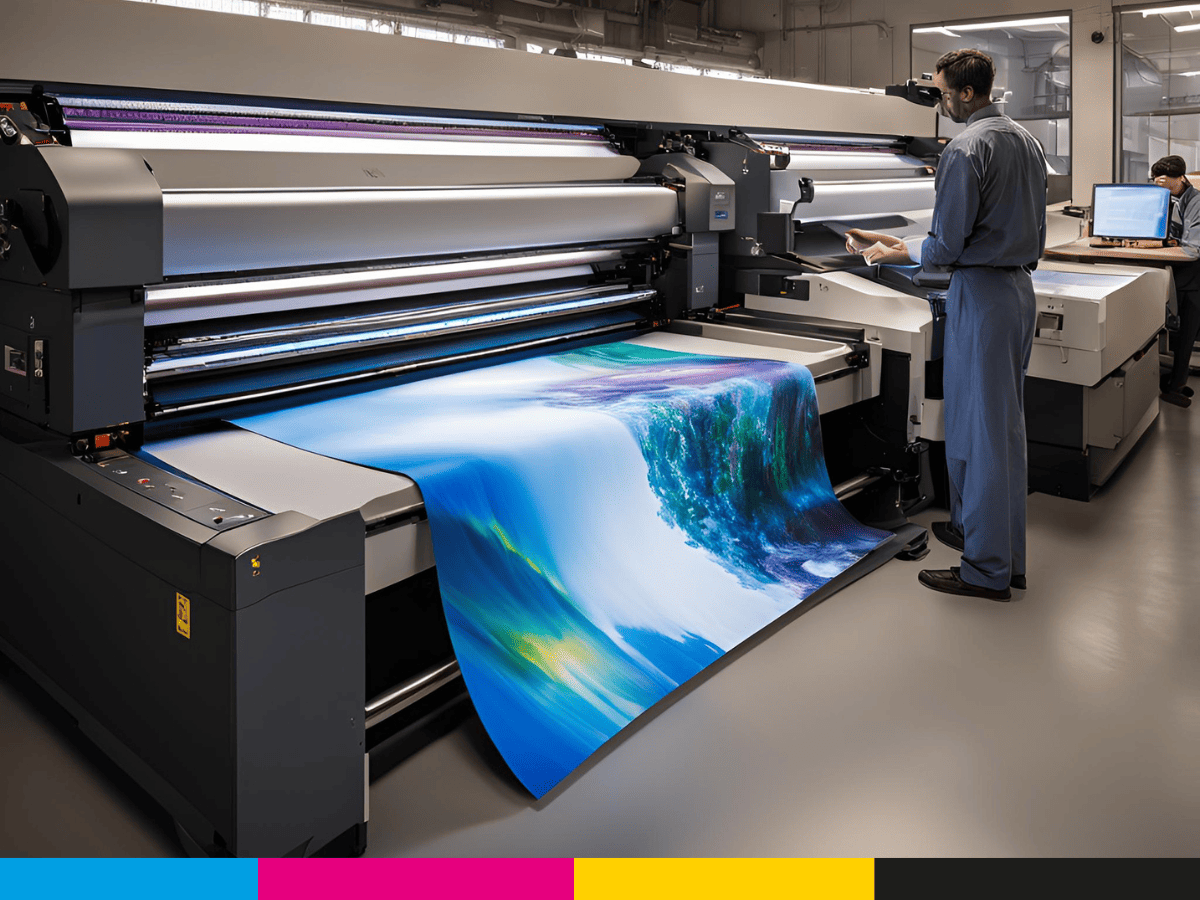
Maximizing ROI with Printed Marketing Collateral: Best Practices for Businesses
As a business owner, you’re always looking for effective ways to boost your ROI (return on investment), and marketing plays a pivotal role in achieving that goal. One powerful yet often overlooked tool in your marketing strategy is printed marketing collateral. While digital marketing gets a lot of attention, printed materials such as brochures, flyers, posters, and signage still hold significant value in attracting, converting, and retaining customers.
But how do you maximize the ROI of printed marketing collateral? What are the best practices to ensure that your print materials not only capture attention but also generate real results for your business? In this article, we’ll explore how you can use printing to elevate your brand, increase customer engagement, and ultimately boost your bottom line.
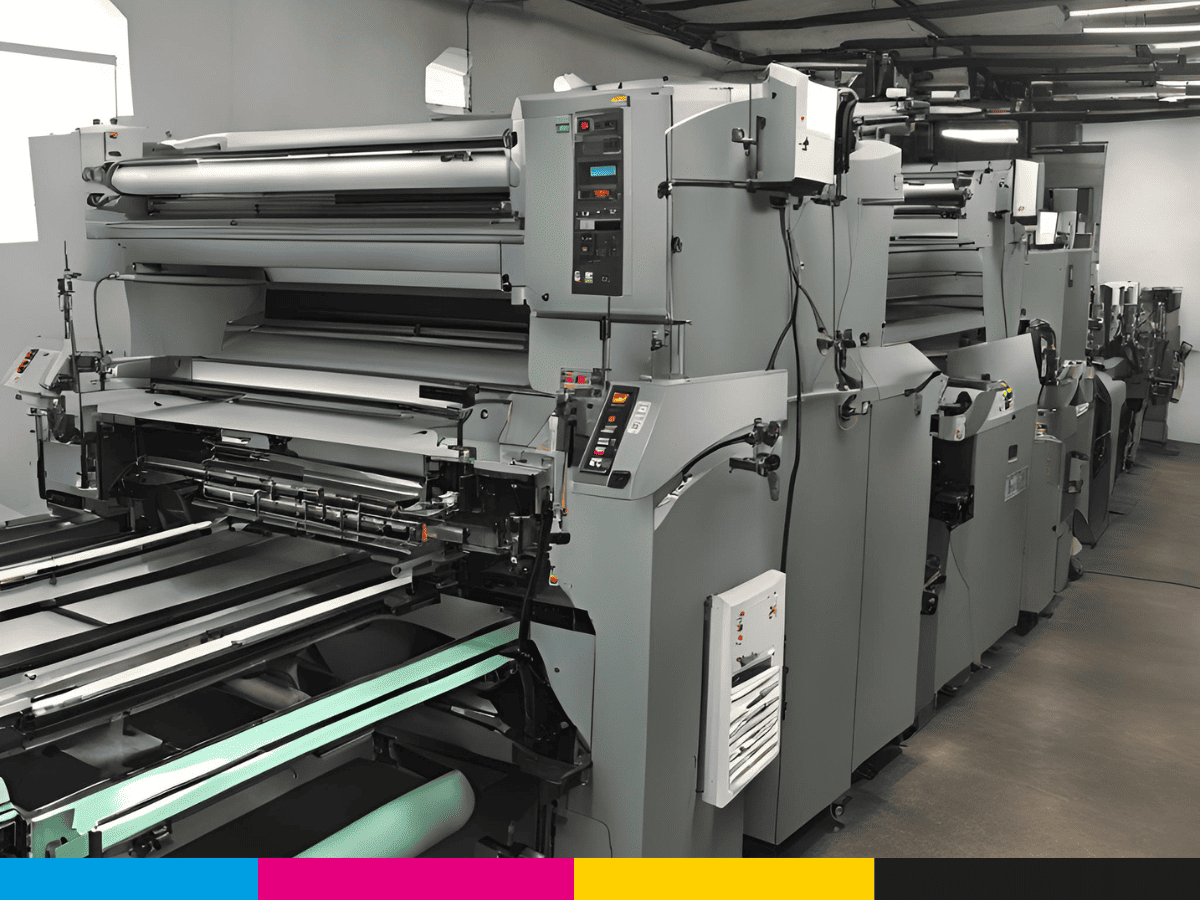
The ABCs of Offset Printing: What Every Business Owner Should Know
When it comes to printing for your business, you might have heard of offset printing, but you might not know exactly what it is or how it could benefit your company. Whether you’re in the early stages of building your brand or you’re looking for ways to streamline your marketing materials, understanding offset printing is crucial for making informed decisions that could boost your business growth.
In this guide, we’ll walk you through the fundamentals of offset printing, break down how it works, and explain why it remains one of the most reliable and effective printing methods for businesses of all sizes. By the end of this article, you’ll have a clear understanding of why offset printing might be the perfect choice for your next project.
Why Printing Is Still a Powerful Tool for Small Business Growth
In today’s digital age, it’s easy to assume that traditional tools like printing have become obsolete in the fast-paced world of social media, websites, and online advertising. But despite the overwhelming presence of digital marketing, printing remains one of the most effective and powerful tools for growing a small business. In fact, printing continues to play a vital role in establishing a strong brand presence, building customer relationships, and driving sales.
If you’re a small business owner looking for ways to make your brand stand out and connect with customers, you’ll want to know why printing should still be part of your marketing strategy. In this article, we’ll explore why printing remains a key tool for small business growth and how it can complement your digital efforts to build a stronger, more memorable brand.
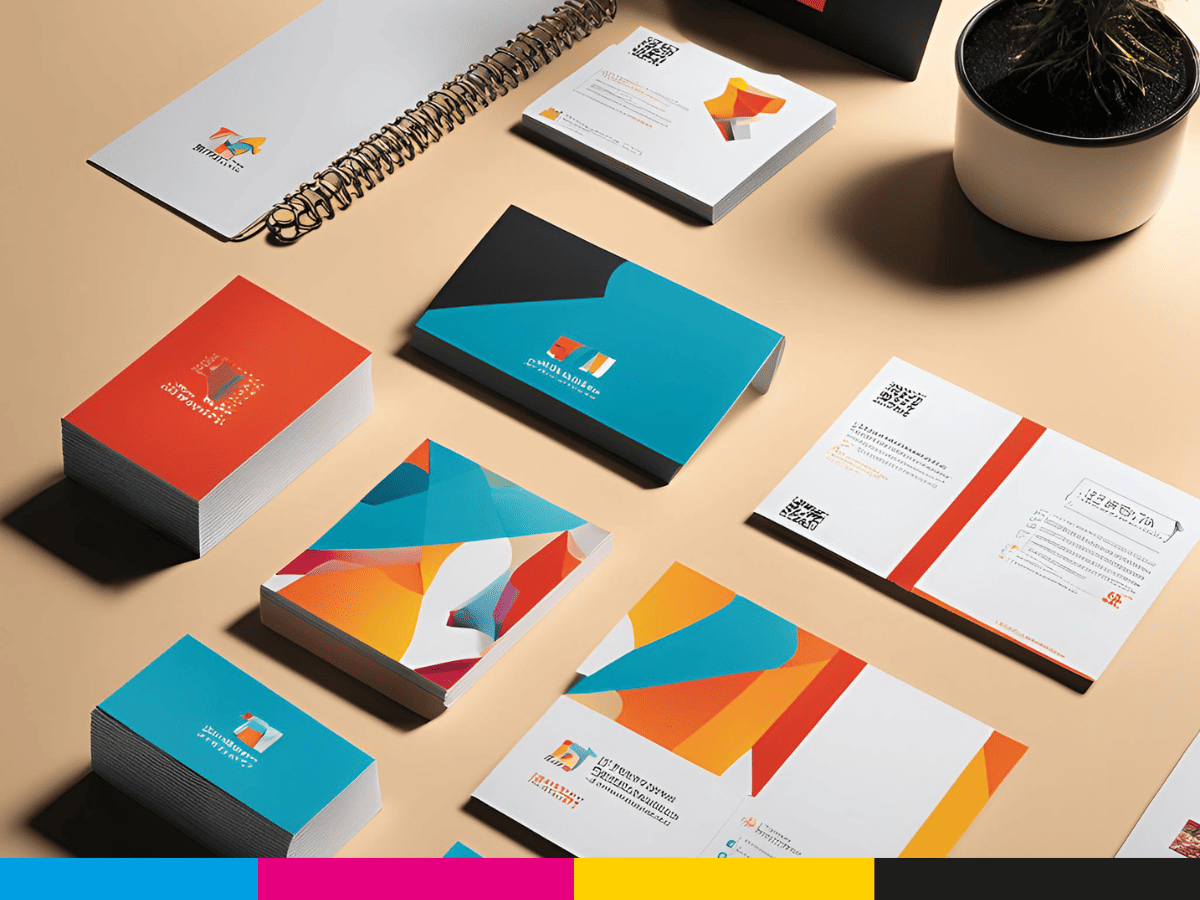
5 Printing Trends Shaping the Future of Marketing in 2025
Imagine walking down a street and seeing an ad so captivating that it stops you in your tracks. Or perhaps you’re holding a brochure that feels so unique in your hands that it makes you feel like the brand cares about your experience. This is the power of modern printing—and it’s evolving quickly. As we head into 2025, several exciting trends in the printing industry are changing how businesses engage with their customers and how they use printed materials for marketing.
In this article, we’ll explore the top 5 printing trends that are set to dominate the marketing world in 2025. Whether you’re in charge of branding, marketing, or advertising, understanding these trends will help you stay ahead of the curve and create more impactful, memorable campaigns.
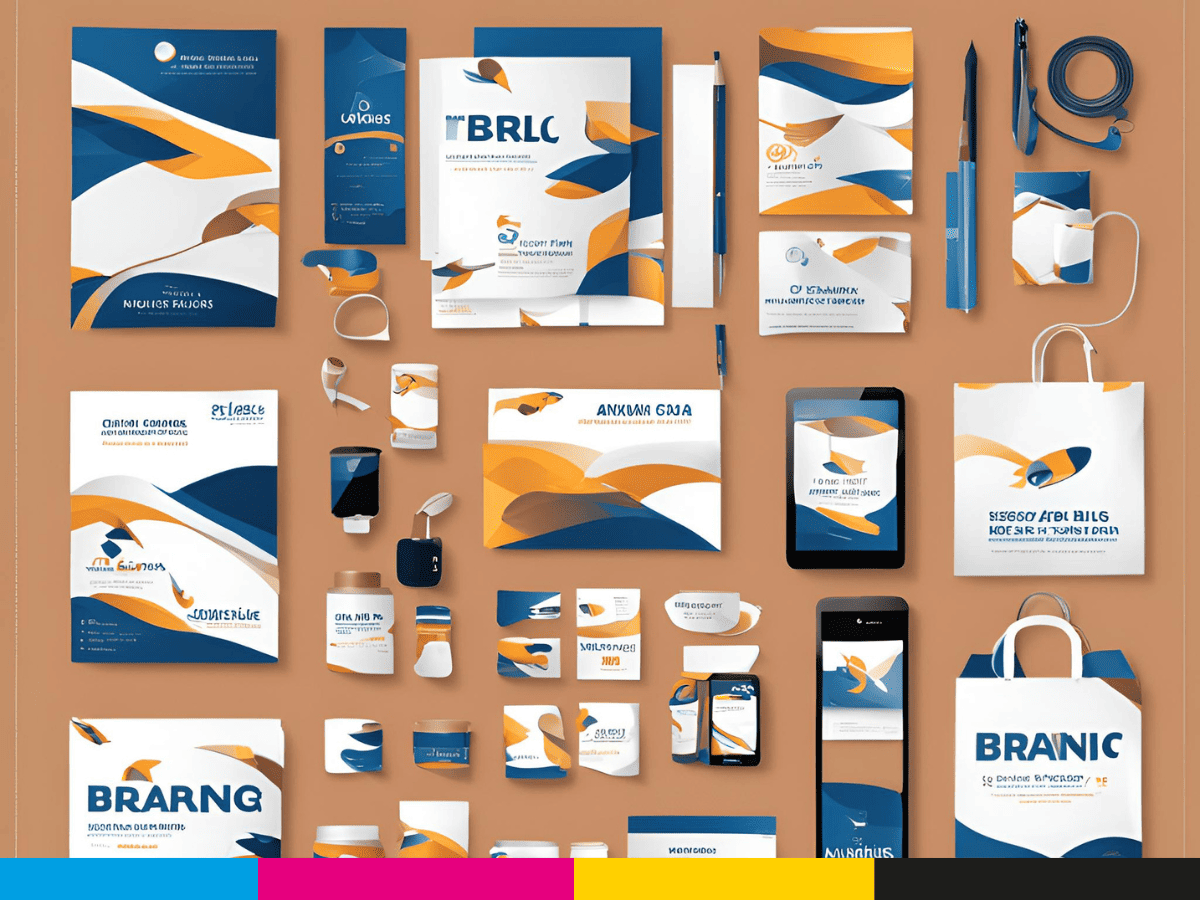
How Custom Packaging Elevates Product Branding and Boosts Sales
Picture this: you’re in a store, browsing shelves filled with similar products. What makes you pick one over the other? The answer often lies in the packaging. In today’s competitive market, custom packaging isn’t just a wrapper—it’s a powerful branding tool that influences consumer decisions and drives sales.
In this article, we’ll explore how custom packaging, powered by innovative printing techniques, enhances your brand image and creates a lasting impression on your customers. By the end, you’ll understand why packaging is more than just a container—it’s a gateway to building stronger connections with your audience.